Introduction
Success on YouTube is not just about creating good videos — thumbnails are the first impression. If your thumbnail is attractive, people are much more likely to click on your video. In this guide, you will learn step-by-step how to create high-click thumbnails for your videos.
—
What is a YouTube Thumbnail?
A thumbnail is a small preview image that represents your video. It helps viewers decide whether to watch your video or skip it.
—
Why Thumbnails Are Important
– Increases CTR (Click-Through Rate)
– Helps videos go viral
– Grabs audience attention
– Speeds up channel growth
—
Step-by-Step Guide to Create Thumbnails
1. Use Bright and Eye-Catching Colors
Always use bright colors (yellow, red, blue) to make your thumbnail stand out.
—
2. Add Big and Clear Text
Keep your text short and easy to read:
– “SHOCKING ”
– “DON’T DO THIS!”
– “SECRET TRICK”
—
3. Use High-Quality Images
Avoid blurry or low-quality images. Always use HD images for a professional look.
—
4. Show Emotions (Faces Work Best)
Using a human face with strong emotions (shock, happiness, anger) attracts more clicks.
—
5. Keep It Simple
Do not overload your thumbnail with too many elements. A clean and simple design works best.
—
6. Use Contrast
Use different colors for the background and text so everything is clearly visible.
—
7. Add Curiosity
Create thumbnails that make viewers curious:
“What’s in this video?”
—
Best Free Tools for Thumbnails
– Canva
– Pixlr
– Adobe Express
—
Pro Tips for More Clicks
– Maintain a consistent style (for branding)
– Use arrows and circles to highlight important elements
– Make sure your thumbnail matches your video title
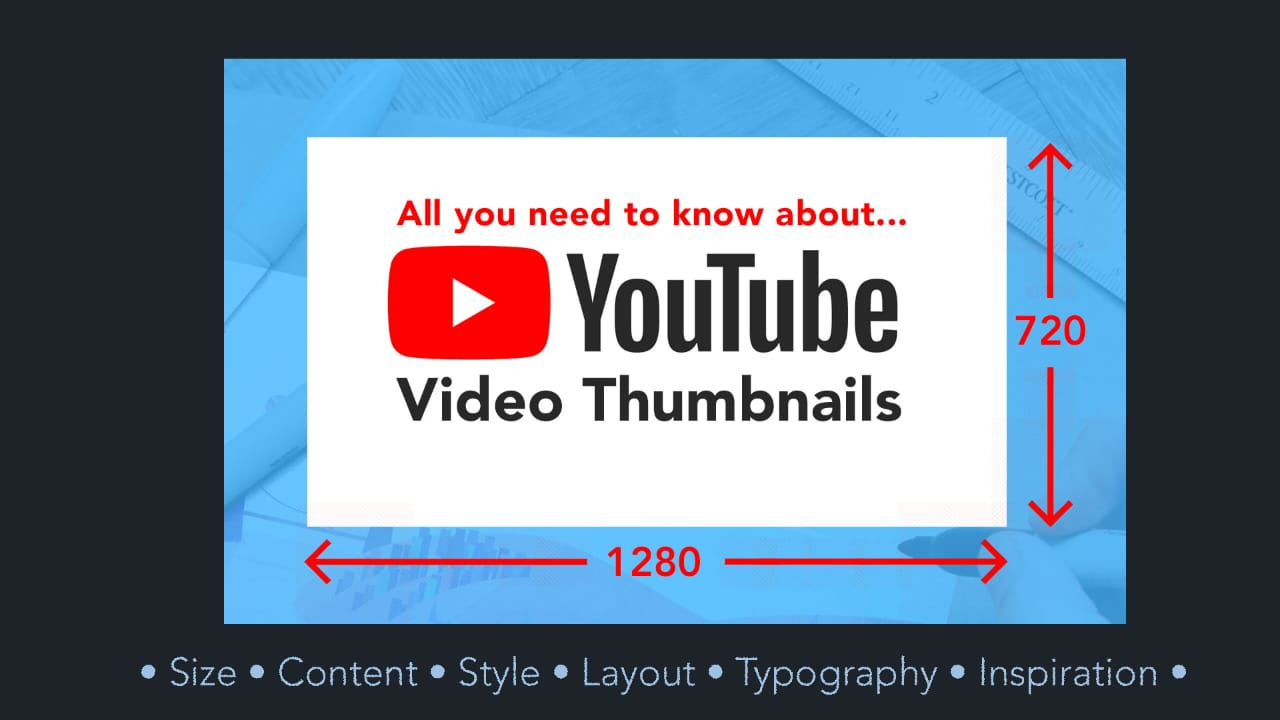
– Use 1280×720 size (recommended by YouTube)
—
Common Mistakes to Avoid
– Too much text
– Misleading clickbait
– Low-quality images
– Overly complex design
—
Conclusion
If you create simple, clean, and eye-catching thumbnails, your video clicks will automatically increase. Keep practicing and develop your own unique style.