Introduction
Canva is one of the most popular and easy-to-use graphic design tools in the world. Whether you want to create social media posts, presentations, thumbnails, or logos, Canva makes everything simple and easy even for beginners.
In this guide, you will learn how to use Canva step-by-step with no prior design experience.
—
What is Canva?
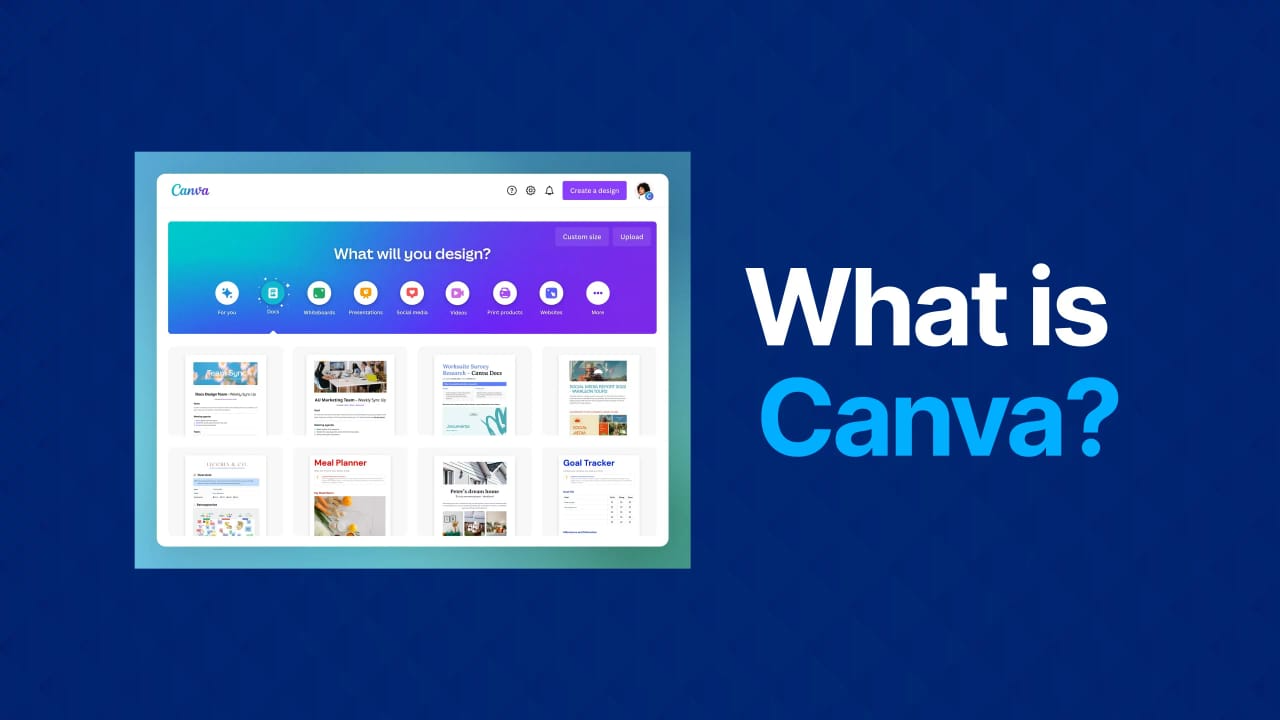
Canva is an online design platform that allows users to create professional designs using drag-and-drop features. It offers thousands of templates, fonts, images, and icons.
—
Step-by-Step Guide to Use Canva
Step 1: Create an Account
Go to Canva’s website and sign up using Google, Facebook, or email. Then log in to your account.
—
Step 2: Choose a Design Type
After logging in, you will see different design options like Instagram Post, YouTube Thumbnail, Presentation, and Logo. Choose the design according to your need.
—
Step 3: Select a Template
Canva provides ready-made templates. Search for a template and click on it to start editing. This saves time and makes your design look professional.
—
Step 4: Customize Your Design
Now you can edit everything. Change text, add images, use icons and shapes, and adjust colors and fonts. Simply drag and drop elements—it’s very easy.
—
Step 5: Upload Your Own Images
Click on “Uploads” and add your own photos or logos. Then use them in your design.
—
Step 6: Download Your Design
Once your design is ready, click on “Share” or “Download”. Choose the format like PNG, JPG, or PDF and save it to your device.
—
Tips for Beginners
Use simple and clean templates. Don’t use too many colors. Keep your text readable and always use high-quality images.
—
Advantages of Canva
Canva is easy to use, offers free templates, requires no design skills, and works online without installation.
—
Conclusion
Canva is a powerful tool for beginners who want to create amazing designs without any experience. By following this step-by-step guide, you can easily start designing like a pro.